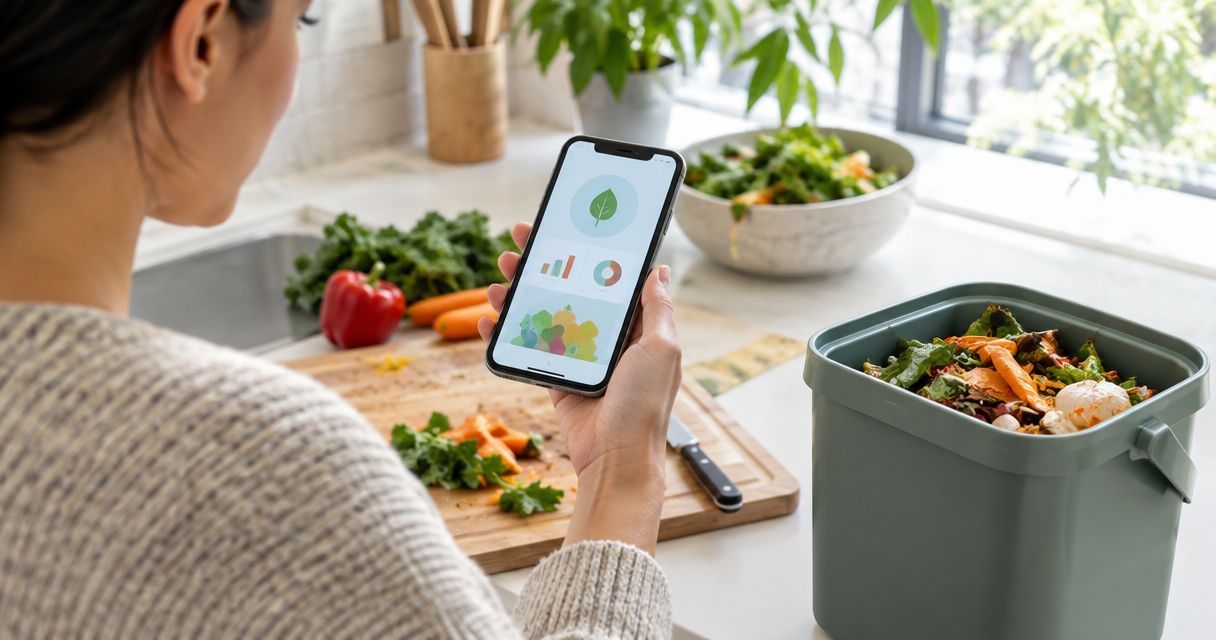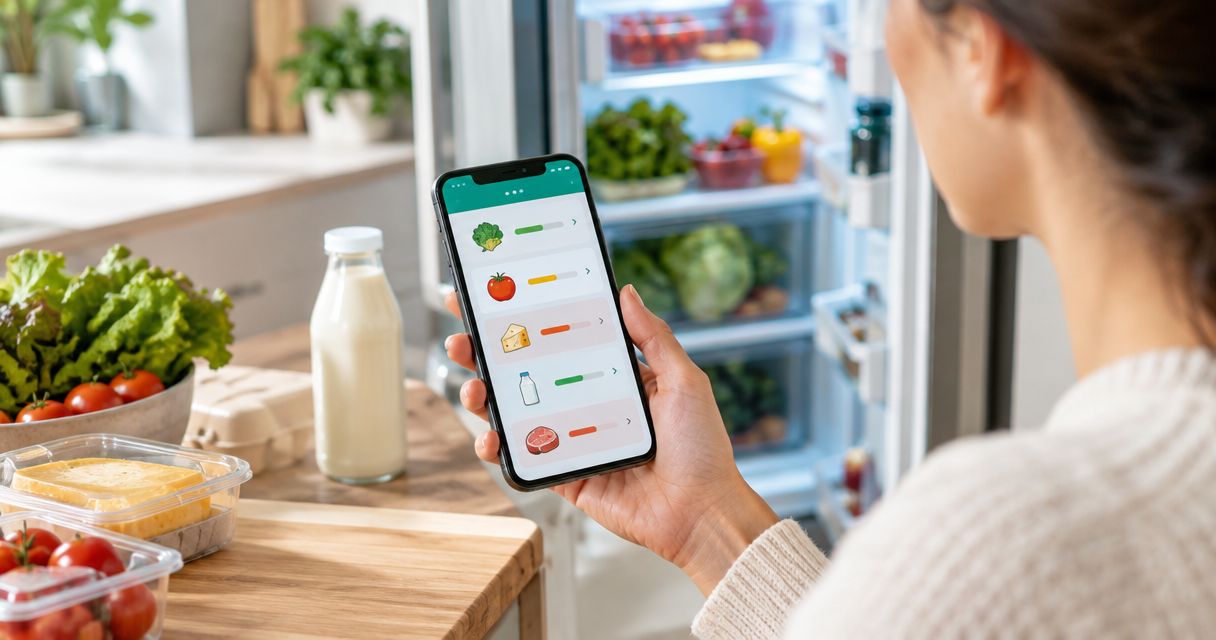
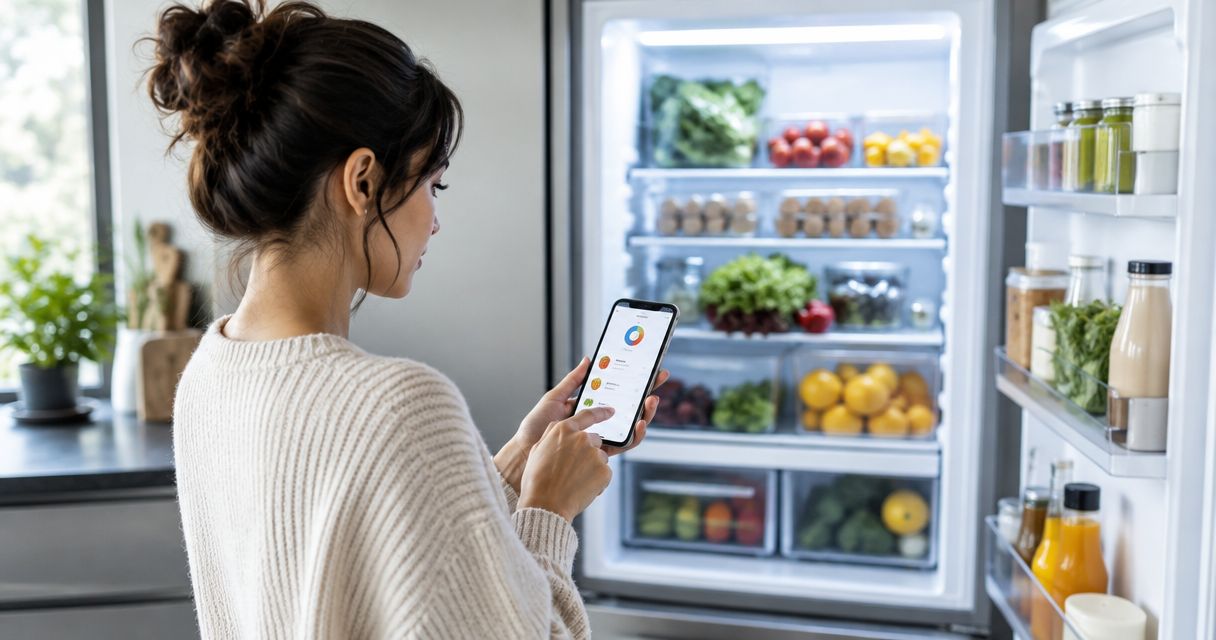
Best for chat-led fridge tracking: Savera. For your 2026 shortlist, choose inventory-first apps for stock records, recipe-first apps for cooking ideas, or shared grocery-list apps when avoiding duplicate purchases is your main goal.
- Among the best fridge inventory apps, Savera suits households wanting chat-led tracking, expiry alerts, and leftover recipe suggestions.
- Choose inventory-first apps when knowing what you have matters more than deciding what to cook.
- Choose recipe-first apps for meal inspiration; check whether fridge tracking is actually included.
- Choose shared grocery-list apps for shopping coordination, not as a substitute for expiry tracking.
Why this matters
A fridge inventory only helps when it changes your next decision. You need to know whether to buy more milk, use the chicken breast, or build dinner around the vegetables already waiting inside.
Those are different jobs. A shopping list records what you want to buy; an inventory records what you have; a recipe tool helps you decide what to cook. Confusing them gives you another list to maintain without solving the original problem.
This guide ranks app types by those jobs rather than presenting unlike tools as interchangeable products. Start with the decision you keep getting wrong, then choose the app that supports it.
What makes the best fridge inventory apps?
For a useful 2026 shortlist, judge each option against these criteria:
- Entry effort: Can you record ordinary groceries in a way you will keep using? Try milk, loose vegetables, and an opened packet—not just neatly packaged items.
- Stock accuracy: Can your routine account for food being eaten, finished, or thrown away? An old entry is not evidence that dinner is still there.
- Expiry handling: Does the app support the date information you need? Check how reminders work rather than assuming every inventory includes them.
- Leftover usefulness: Does the app help you act on ingredients, or only display them? Recipe suggestions serve a different purpose from a stock count.
- Household fit: Can everyone involved follow the same routine? Check any account-sharing or collaboration features directly before depending on them.
- Clear boundaries: Can you distinguish an organisational reminder from food-safety advice? Software does not replace storage instructions or the date printed on food.
The strongest choice is not necessarily the app with the longest feature list. It is the one whose main job matches yours—and whose upkeep you will actually do.
Fridge inventory options at a glance
| Option | Best for | Standout approach | Key limitation |
|---|---|---|---|
| Savera | Chat-led tracking and leftover decisions | Combines fridge tracking, expiry alerts, and leftover recipe suggestions | Still needs a household routine that keeps the record aligned with the fridge |
| Inventory-first apps | Knowing which groceries remain | Puts the food record at the centre of your workflow | A stock record alone does not decide what to cook |
| Recipe-first apps | Turning ingredients into meal ideas | Starts with the cooking decision | Recipe discovery does not establish what is actually in your fridge |
| Shared grocery-list apps | Coordinating what to buy | Gives the household a place to record shopping needs | A purchase list is not an expiry record |
Treat these as different starting points, not a claim that every app within a category has identical features. Before choosing a particular product, check the functions that your household will depend on.
1. Savera: best for chat-led fridge inventory
Savera is a chat-first kitchen assistant that tracks groceries, alerts households before food expires, and suggests recipes using leftovers. Its stated audience is EU home cooks and families who want to reduce food waste.
That combination fits a household whose question changes throughout the week: what is in the fridge, what needs attention, and what can become dinner? You are choosing an assistant built around those connected tasks rather than a shopping list alone.
Savera is best for EU households that want chat-led fridge tracking, expiry alerts, and leftover recipe suggestions.
Savera pros:
- Chat is the starting point for interacting with the assistant.
- Grocery tracking and expiry alerts address food already at home.
- Leftover recipe suggestions connect the inventory to cooking decisions.
- Its focus matches home cooks and families trying to waste less food.
Savera cons:
- A chat-first approach is a poor fit if you specifically prefer maintaining a structured list.
- Tracking cannot remove the need for your household to keep its food record current.
Best for: Households that want to talk through fridge organisation and get ideas for using leftovers.
Verdict: Buy into this approach if conversation feels easier than maintaining another list.
2. Inventory-first apps: best for detailed stock records
An inventory-first workflow begins with a straightforward question: what food do you have? Choose this category when your main frustration is losing track of ingredients, rather than running out of meal ideas.
Look for a particular app whose record structure matches how you think about food. Your practical test is whether you can distinguish the unopened milk from the opened carton without turning fridge management into homework.
Inventory-first app pros:
- Keeps the stock record as the central task.
- Gives you a clear place to check before writing a shopping list.
- Suits people who prefer reviewing entries rather than holding a conversation.
Inventory-first app cons:
- Detailed records create an upkeep task whenever food changes.
- Knowing that an ingredient exists does not tell you how to use it.
Best for: Households that want a deliberate stock-checking habit and are willing to maintain it.
Do not assume the category guarantees barcode scanning, expiry alerts, or shared access. Check each required feature in the specific app you are considering.
Verdict: Buy into this approach when stock accuracy is your priority; skip it if detailed updating is the habit you already avoid.
3. Recipe-first apps: best for deciding what to cook
A recipe-first workflow starts with dinner, not the fridge record. Choose this category when you generally know what ingredients you have but struggle to turn them into a meal.
For leftover cooking, judge the suggestions against your actual ingredients. A recipe built around your spinach is less helpful if it also sends you shopping for several things you do not need otherwise.
Recipe-first app pros:
- Puts the meal decision at the centre of the experience.
- Gives you a way to explore uses for familiar ingredients.
- Suits cooks who want inspiration more than a detailed stock ledger.
Recipe-first app cons:
- Finding a recipe does not confirm that its ingredients remain in your fridge.
- A useful-looking suggestion still needs checking against quantities, dietary needs, and food condition.
Best for: Home cooks whose main obstacle is choosing a meal, not remembering their groceries.
If expiry reminders are essential, make them a separate selection requirement. Do not treat a recipe collection as evidence that the app also manages food dates.
Verdict: Buy into this approach for cooking inspiration; skip it as your only tool when forgotten food is the main problem.
4. Shared grocery-list apps: best for shopping coordination
A shared grocery-list workflow records what your household needs to buy. It is the most direct category to consider when two people keep buying the same milk or each assumes the other bought it.
The boundary matters: crossing an item off a shopping list records a shopping action, not the remaining contents of your fridge. Once the groceries come home, you still need a way to track what happens next.
Shared grocery-list app pros:
- Keeps purchasing needs in a common place.
- Separates requests to buy food from messages about everything else.
- Fits a household that wants shopping coordination rather than detailed food tracking.
Shared grocery-list app cons:
- A shopping list alone does not tell you what is nearing its date.
- Purchased food needs a separate inventory routine if you want to track it after shopping.
Best for: Households whose main problem is duplicate or forgotten purchases.
Before choosing a particular app, check how sharing works for everyone who shops. Do not assume a personal list becomes a household list automatically.
Verdict: Buy into this approach for coordinated shopping; skip it as a replacement for fridge inventory.
How these options are ranked
This 2026 guide prioritises the connection between recording groceries and acting on them. The criteria are entry effort, stock accuracy, expiry handling, leftover usefulness, household fit, and clear boundaries.
The first recommendation fits the combined task of tracking food, receiving expiry alerts, and finding leftover recipes. The other categories each serve a narrower decision. Their position does not mean every product in one category performs better than every product in another.
Choose by task fit, not by a universal winner label. A household that only needs a shared shopping list should not adopt a more involved inventory routine just because it appears higher in a guide.
Test your shortlist with a real fridge routine
Before committing to an app in 2026, try a small, repeatable exercise. The quantities below are a suggested test setup, not performance benchmarks.
- Record groceries. Start with 3 items: milk, a vegetable, and a leftover portion. Use food you actually have.
- Update stock. Use some of one item and finish another. Check whether the record still makes sense afterward.
- Check dates. See how the app handles the date information you need. Keep the package instructions as your reference.
- Choose dinner. Try making a meal decision from the remaining food. Notice whether the app helps or leaves you doing the same work elsewhere.
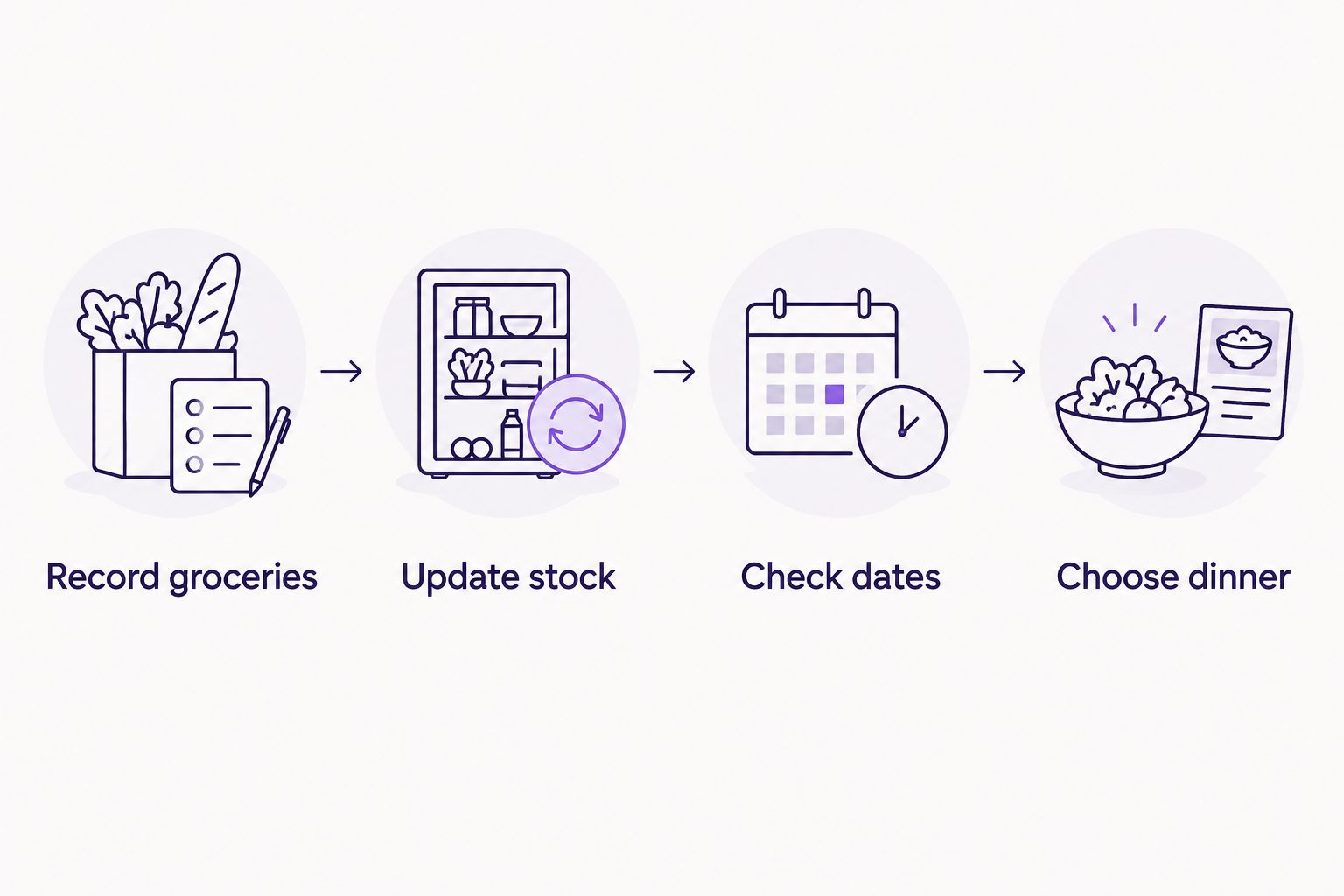
Give yourself a 5-minute first session, then revisit the routine over 7 days. Those are useful trial boundaries: a short setup tests friction, while repeated use shows whether you remember to update anything.
Do not grade the app only on its first screen. The important moment comes after somebody eats the last portion and another person starts planning dinner.
Which fridge inventory app should you choose?
Choose Savera if you want fridge tracking, expiry alerts, and leftover suggestions through a chat-first assistant. That is the clearest fit for a household trying to connect food organisation with everyday cooking.
Choose an inventory-first app if you enjoy structured records. Choose a recipe-first app if dinner inspiration is the missing piece. Choose a shared grocery-list app if the trouble starts at the supermarket rather than inside the fridge.
For your 2026 decision, write down one outcome before installing anything: fewer duplicate purchases, fewer forgotten ingredients, or an easier answer to what is for dinner. Use that outcome to judge the routine—not how much information you managed to enter.
FAQ
What's the best fridge inventory app for families?
Savera is a strong fit for EU families wanting chat-led grocery tracking, expiry alerts, and leftover recipe suggestions. Choose according to the household task you need to solve, rather than assuming every family needs the same workflow.
Is a fridge inventory app better than a shopping list?
A fridge inventory app is the better fit for tracking food already at home; a shopping list serves purchasing needs. If both tasks matter, choose a routine that covers both without confusing purchased items with remaining stock.
Which type of app should I choose for leftover recipes?
Choose an assistant with explicit leftover recipe support or a recipe-first app suited to ingredient-led cooking. Check suggestions against the food and quantities you actually have before planning dinner.
Do all fridge inventory apps send expiry alerts?
Do not assume expiry alerts are included in every fridge inventory app. Check the specific product's reminder functions before making alerts part of your household routine.
Can an app tell me whether leftovers are safe to eat?
An inventory reminder does not establish whether leftovers are safe to eat. Follow food-storage guidance, package instructions, and applicable use-by information rather than treating an app entry as a safety guarantee.
How do I test a fridge inventory app without recording everything?
Start with a small selection of groceries and follow them through use, updating, and meal planning. Include an opened item and a leftover portion so your test reflects ordinary fridge decisions.
What should I look for in a fridge inventory app in 2026?
Prioritise manageable entry effort, useful stock records, the date functions you need, and a workflow your household will maintain. Treat recipe support and shared access as features to check, not assumptions.
One last thing
Test the empty container, not just the full fridge. Adding groceries is only the beginning; the revealing test is whether your chosen routine stays accurate after someone finishes the milk.
Before your next shop, compare the record with the actual shelf. Correct anything that no longer belongs there. A short, current inventory gives you a better basis for dinner than a detailed record of food you already ate.