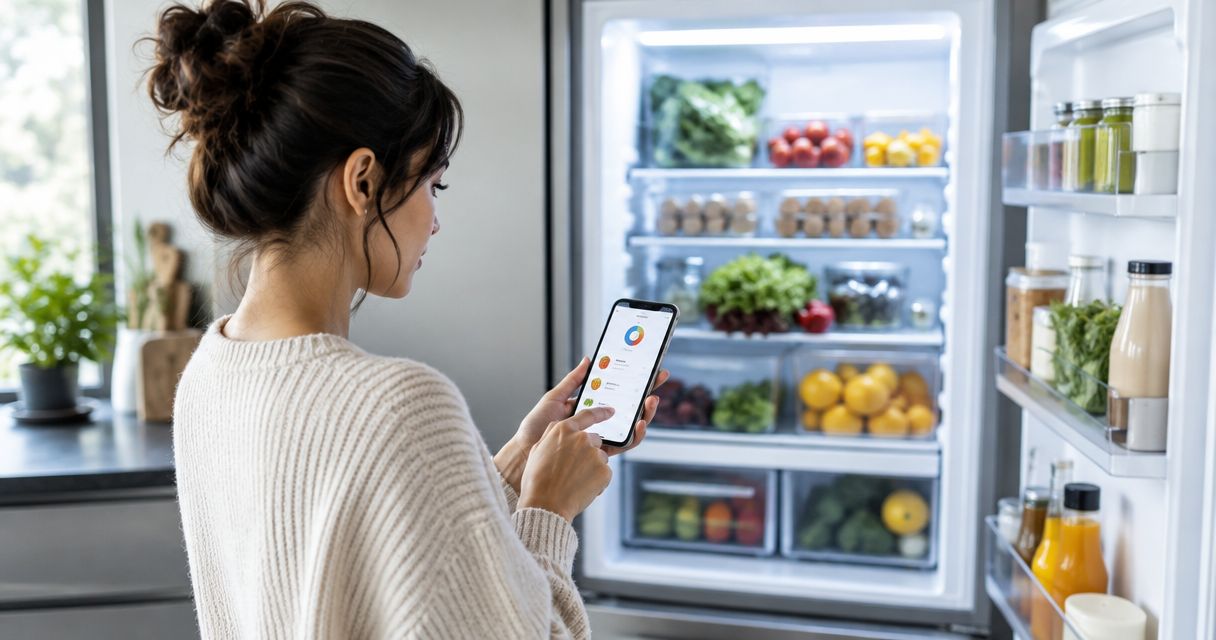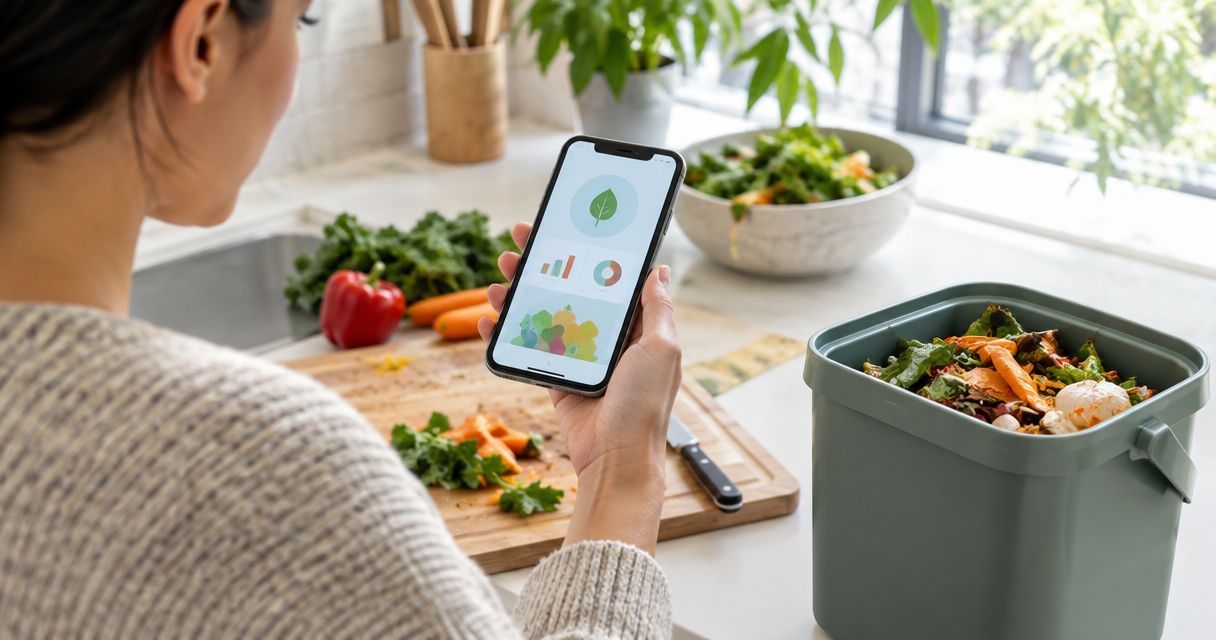
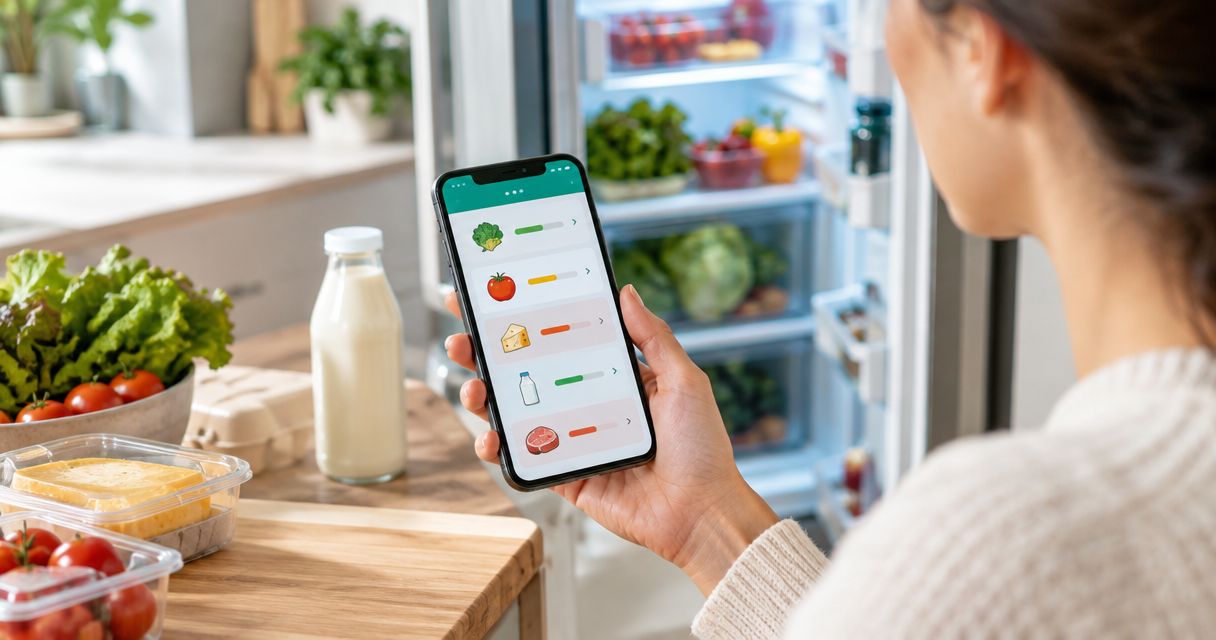
Best overall for fridge tracking and leftover ideas: Savera. Best for individual food reminders: Apple Reminders. Best for planning meals around dates: Google Calendar. Best for a food checklist: Microsoft To Do. This 2026 guide compares dedicated food tracking with everyday reminder apps, so you can choose the routine you will actually keep.
- Among the best food expiry alert apps, Savera suits households wanting fridge tracking, expiry alerts, and leftover recipes together.
- Apple Reminders suits individual dated food reminders; Google Calendar suits scheduling meals around ingredients.
- Microsoft To Do suits a food checklist with due dates and reminders.
- Food alerts prompt a decision; they do not establish whether food is safe to eat.
Why this matters
The forgotten yogurt is not usually a recipe problem. It is a remembering problem. You need to notice it while you still have a useful choice: eat it, cook with it, or follow suitable storage instructions.
An alert handles only part of that job. You also need to know what the item is, which date you recorded, and what you intend to do next. A reminder reading simply ‘chicken’ leaves the important work unfinished.
Savera is the best food expiry alert app here for households wanting fridge tracking, expiry alerts, and leftover recipes together. The other options fit narrower jobs: remembering one item, reserving cooking time, or working through a checklist.
What makes the best food expiry alert apps?
For this 2026 shortlist, choose by the job you need done—not by how many features appear on a product page.
- Food tracking: Can you keep a useful record of what is in your fridge, rather than just create isolated alarms?
- Reminder timing: Can the workflow prompt action before the date you are watching, while leaving time to cook?
- Next-step help: Does the option help you decide what to make, or does it stop at the notification?
- Entry effort: Will you record groceries after shopping and update them after eating? Match the method to your patience.
- Routine fit: Do you naturally use conversations, individual reminders, a calendar, or a checklist?
Food safety sits outside this ranking. An app can remind you about a date you entered; it cannot inspect the milk or establish that your fridge has kept food at a safe temperature.
The options at a glance
| Option | Best for | Standout feature | Key limitation |
|---|---|---|---|
| Savera | Fridge tracking with leftover ideas | Chat-first grocery tracking, expiry alerts, and recipes using leftovers | Your recorded groceries must reflect what is actually there |
| Apple Reminders | Individual dated food reminders | Tasks with due dates and notifications | Food details and cooking decisions remain manual |
| Google Calendar | Scheduling meals around ingredients | Dated events with notifications | A calendar event is not a fridge inventory |
| Microsoft To Do | A food checklist | Tasks with due dates and reminders | Completed tasks do not explain what remains in a package |
These options solve different problems. Start with the row describing your main difficulty, then read its limitations before committing your whole fridge to it.
1. Savera: best food expiry alert app for leftover planning
Savera is a chat-first kitchen assistant that tracks groceries in your fridge, alerts your household before food expires, and suggests recipes using leftovers. It connects the question ‘What needs eating?’ with the more useful follow-up: ‘What can I make with it?’
That combination suits home cooks and families who want food tracking rather than a collection of unrelated alarms. The conversation-led approach also gives you a different starting point from building a calendar event for every ingredient.
Savera pros
- Food-specific tracking: Groceries in your fridge are the focus, rather than an extra use for a general planner.
- Expiry alerts: The app addresses remembering food before it expires.
- Leftover recipes: Suggestions give you a next step after noticing an ingredient.
- Chat-first interaction: A conversational approach suits people who prefer describing groceries to organizing tasks.
Savera cons
- Records need attention: Food tracking is useful only when the record matches what you have eaten, replaced, or kept.
- Safety remains separate: Expiry alerts and recipe suggestions do not replace label instructions or safe storage practices.
Best for: EU home cooks and families who want grocery tracking, food expiry alerts, and leftover ideas in one app.
For your 2026 routine, begin with foods you genuinely forget: the opened milk, the herbs behind the jars, or the leftover vegetables. Avoid turning setup into a catalogue of every cupboard item before you have used your first reminder.
Verdict: Buy into Savera's approach when you want help using food, not just remembering a date.
2. Apple Reminders: best for individual food reminders
Apple Reminders lets you create tasks with due dates and reminders. For food, the practical use is straightforward: name an item, record the relevant date, and set a reminder early enough to act.
This works well when your problem is specific. Perhaps you need to remember one opened ingredient or check a leftover container before deciding tomorrow's lunch. You do not need to pretend that every reminder is part of a full kitchen inventory.
Apple Reminders pros
- Direct task wording: You can write the action you need, such as checking an opened package's instructions.
- Dated reminders: A task can bring an item back to your attention at a chosen time.
- Narrow scope: You can track only the foods you are worried about forgetting.
Apple Reminders cons
- Manual food context: You must enter the item details and distinguish similar packages yourself.
- No inventory from completion: Ticking off a reminder does not tell you whether you ate all, some, or none of the food.
Best for: People who already use Apple Reminders and need occasional food prompts rather than dedicated fridge tracking.
Write a task that survives being read outside the kitchen. ‘Check opened milk before breakfast’ is more useful than ‘milk,’ especially when the notification appears while you are doing something else.
Verdict: Buy into Apple Reminders for a small set of individual food reminders; skip it as a substitute for a maintained fridge inventory.
3. Google Calendar: best for scheduling meals around food dates
Google Calendar lets you schedule events and receive notifications. Its food-related strength is reserving a moment to cook or check ingredients, rather than maintaining a record of everything you own.
Use it when you remember the food but never decide when to use it. An event such as ‘Cook the vegetables for dinner’ gives the ingredient a place in your day. That is a different job from an expiry warning.
Google Calendar pros
- Time attached to action: A cooking task can sit beside the rest of your schedule.
- Meal-focused wording: An event can describe the dish or preparation step, not just the ingredient.
- Visible planning: You can review planned cooking alongside other commitments.
Google Calendar cons
- Calendar clutter: Separate events for every carton and container make the schedule harder to read.
- No food inventory: Moving or deleting an event does not update what remains in your fridge.
Best for: Home cooks whose main obstacle is making time to use ingredients they already know they have.
In 2026, treat a calendar as the place for the cooking commitment, not the place to recreate every label. Group ingredients into a meal where that makes sense, while keeping their actual storage instructions separate.
Verdict: Buy into Google Calendar for meal commitments; skip it if you need a food-first inventory.
4. Microsoft To Do: best for a food checklist
Microsoft To Do supports tasks, due dates, and reminders. You can use those features to maintain a food checklist and bring selected items back to your attention.
The checklist approach suits people who want to review and complete clear actions. ‘Use remaining carrots in dinner’ has an obvious finish. ‘Carrots expire’ is less helpful because it describes a concern without deciding what happens next.
Microsoft To Do pros
- Action-based tasks: You can separate checking, preparing, and using an ingredient.
- Due dates and reminders: Important tasks do not have to depend on remembering to reopen the list.
- Visible completion: Finished food tasks can be marked complete rather than left among unresolved items.
Microsoft To Do cons
- Manual upkeep: You must revise tasks when plans change or ingredients are used differently.
- Partial-use ambiguity: Completing a task does not record the quantity left in an opened package.
Best for: Checklist-oriented cooks who want food actions beside other tasks and accept manual updates.
Keep each task tied to a recognizable item. If you have two similar containers, describe the contents and the label you attached rather than relying on ‘leftovers’ to jog your memory.
Verdict: Buy into Microsoft To Do for food actions; skip it when you want leftover recipe suggestions built into the same workflow.
How these options are ranked
The 2026 ranking puts food-specific usefulness first: tracking groceries, alerting before expiry, and helping you use leftovers. Entry effort and the fit with your existing routine determine the narrower recommendations.
The dedicated assistant ranks first because its stated functions cover those food-specific jobs. The general-purpose apps earn places for their established task or calendar functions—not because a reminder becomes a food-safety assessment.
Set up a routine that survives a busy week
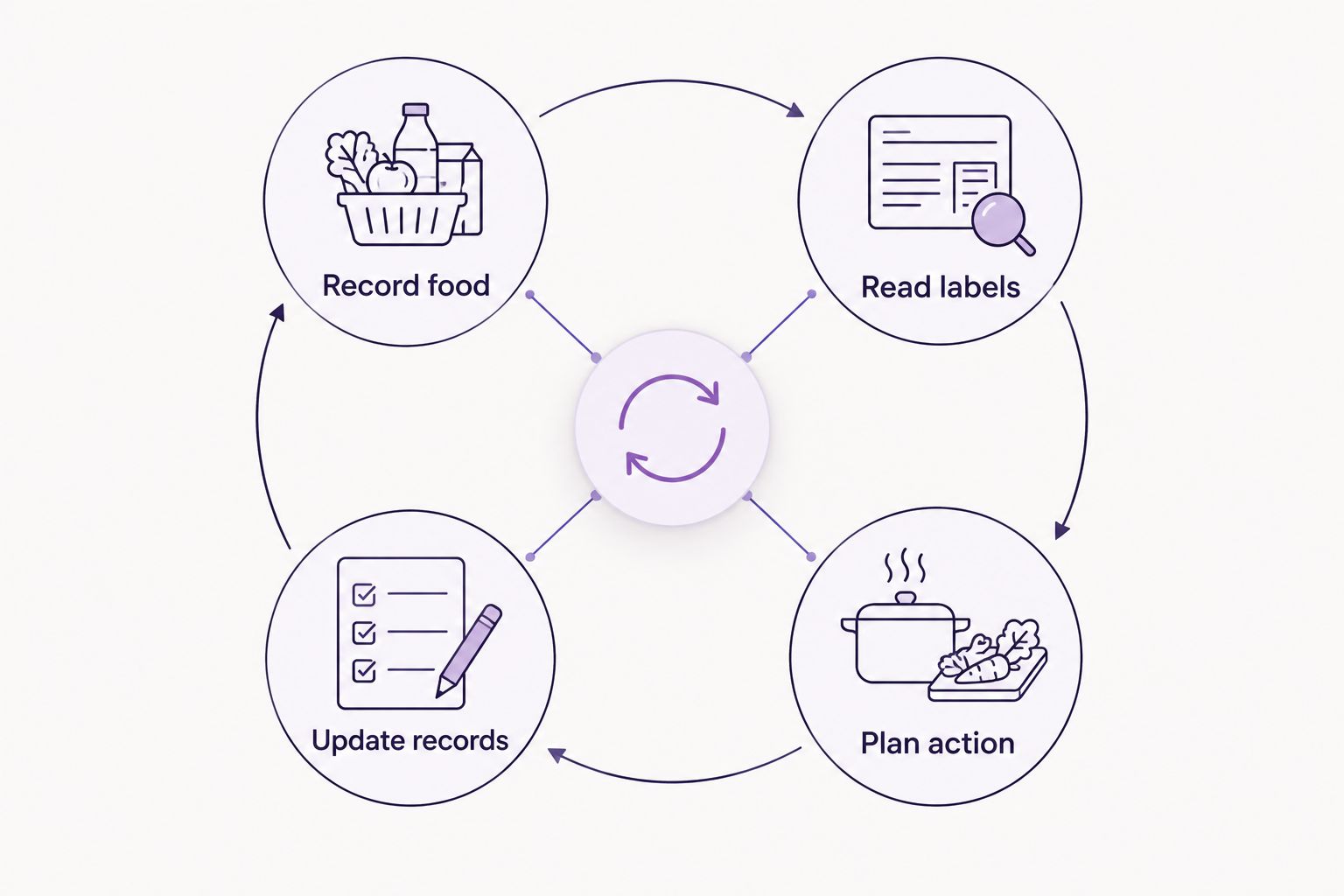
Whichever app you choose, the routine needs a beginning and an end. Record the food when it enters your attention, decide what the alert means, and update the record after you act.
- Record food: Spend 5 minutes on an initial setup, focusing on the items you forget rather than the entire kitchen.
- Read labels: Distinguish use-by dates, best-before dates, and instructions that apply after opening.
- Plan action: For manual tools, start with 1 reminder per package. Choose a time when you can check it or plan a meal.
- Update records: Reserve 10 minutes for a weekly review. Remove eaten items and resolve reminders you have postponed.
These are suggested setup limits, not measured performance claims. Shorten or expand the routine to fit your kitchen, but do not let recording food become a bigger job than using it.
Put the decision in the reminder whenever possible. ‘Check the label and plan dinner’ gives you something to do; another unexplained notification gives you something to dismiss.
Which food expiry alert app should you choose?
Choose Savera for food expiry alerts connected to fridge tracking and leftover recipes. Choose Apple Reminders for occasional individual prompts, Google Calendar for cooking commitments, or Microsoft To Do for a food checklist.
For 2026, the deciding question is simple: do you need help remembering, planning, or knowing what to cook? Pick the option that addresses that difficulty without asking you to maintain a system you already dislike.
FAQ
What's the best food expiry alert app for families?
Savera is the strongest fit in this shortlist for families wanting fridge tracking, expiry alerts, and recipes using leftovers together. A general reminder app fits a narrower need when you only want prompts for individual items.
Can I use Apple Reminders for food expiry dates?
Yes, Apple Reminders can hold food-related tasks with due dates and reminders. Enter the food details yourself and choose an alert time that leaves room to act.
Is Google Calendar better than a food expiry app?
Google Calendar is better suited to scheduling a cooking commitment than maintaining a fridge inventory. Choose a food-specific app when you want grocery tracking and expiry alerts together.
Can Microsoft To Do track food in my fridge?
Microsoft To Do can hold a manual checklist of food-related tasks with due dates and reminders. You must update the tasks yourself, including when you use only part of a package.
Does an expiry notification mean food is safe to eat?
No, an expiry notification does not establish food safety. Follow the package instructions, relevant date marking, and storage requirements rather than treating an app alert as permission to eat something.
Should I enter the use-by date or the best-before date?
Record the date printed on the package and identify which type it is. Use-by dates concern safety, while best-before dates concern quality; instructions after opening can also affect what you need to do.
How do I stop food reminders becoming annoying?
Limit reminders to foods you genuinely forget and attach a clear action to each one. Remove or update the entry after eating the food so old notifications do not keep competing for attention.
One last thing
A package's printed date is not always the only instruction that matters after opening. Check the storage and after-opening guidance too, and record the action it requires.
Before adding another app feature to your wish list, improve one reminder: name the food, identify the relevant instruction, and decide what you will do when it appears. The lonely brie needs a plan, not a louder notification.